
Ask which tool to use for Kafka consumer lag, and the usual answer is a list of exporters and dashboards. We've written that list ourselves, but most of those tools agree on the number.
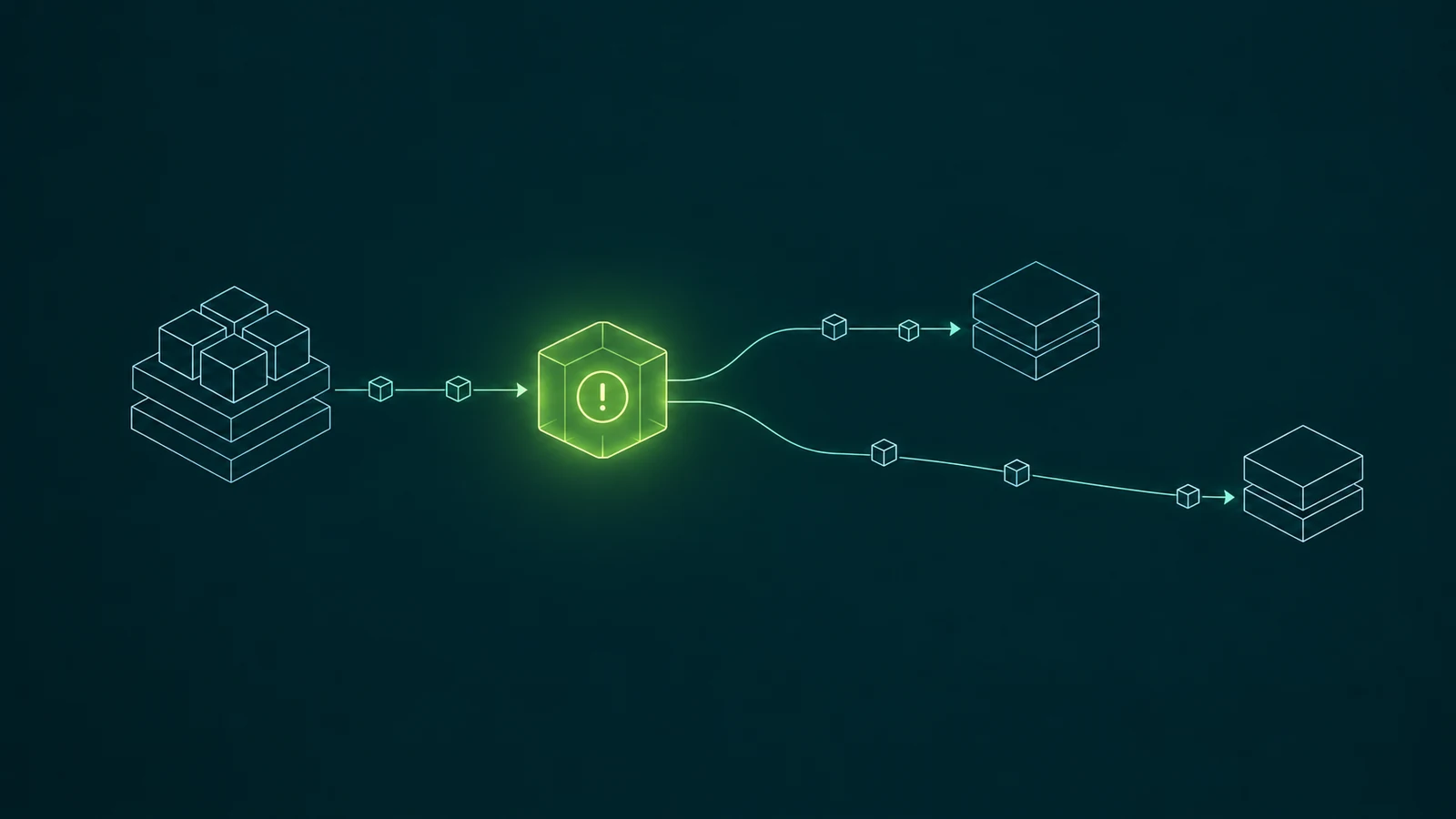
What differs is where the alert goes once lag crosses a threshold. In most setups it lands with the platform team, which can see the lag but can't fix the consumer causing it. Lag alerts should go to the team that runs the consumer, and that team should be able to act on them.
Every lag tool reads the same two offsets
Consumer lag is a subtraction. A consumer group commits the offset it has processed up to, and the partition has a log-end offset where the next message will land. The gap between the two is offset lag, per partition.
Burrow, the Prometheus exporters, Datadog's consumer check, CloudWatch on MSK and every Kafka UI start from those two offsets. Some convert the gap into seconds by dividing by the consume rate, and some judge it by how it changes over a window, but the input is the same. If you're choosing between them, the comparison table covers the differences in detail, and most of them are about history and time lag rather than accuracy.
So the way a tool computes lag rarely decides how quickly lag gets fixed, but the place it sends the alert often does.
Lag alerts usually land with the platform team
The platform team runs Kafka, so it deploys the exporter, writes one alert rule that covers every consumer group, and points the rule at its own on-call rotation. That's a reasonable first step, and with a handful of applications it works fine.
In the calls we have with platform teams, lag alerting comes up as one of the first warnings they rely on, and it usually already runs in Datadog or Dynatrace. The struggle they describe is what comes next:
The rule fires, somebody on the platform team checks the brokers, finds them healthy, and passes the problem on to whichever team they think owns the group. That handoff is where the time goes. Teams have also told us about developers reporting slowness before anyone looked at an alert, which means the alert wasn't reaching anybody who was watching.
The platform team can see lag but can't fix it
Lag is a symptom that shows up on the cluster, but the cause usually sits in the application. A broker problem tends to slow every group at once. A single group falling behind on its own is almost always about that group's code, its deploy, or the system it writes to.
The common causes, and who's in a position to fix each one:
| Cause | What the lag looks like | Who can fix it |
|---|---|---|
| Slow processing after a deploy | All partitions of one group drift up together | The team that shipped the deploy |
| A message the consumer can't process | One partition climbs, the others stay flat | The team that owns the consumer code |
| A slow downstream database or API | Lag rises and falls with the downstream latency | The team that owns the consumer, or the downstream team |
| A consumer instance that died | Its partitions stop moving until a rebalance | The team that runs the deployment |
| Broker or network trouble | Many unrelated groups lag at the same moment | The platform team |
🚫 "Consumer lag is a Kafka metric, so the Kafka team owns it."
The metric is computed on the cluster, but it measures an application, and the place a metric is collected doesn't decide who can act on it. The platform team should keep the alerts that point at the cluster, such as many groups lagging at once, and hand the per-group alerts to the teams that run those groups.
Kafka doesn't know who owns a consumer group
Routing alerts to owners sounds simple until you look for the owner. A consumer group is a group.id string that a client sends when it joins. Kafka stores its offsets and its members, and ACLs can say which principals are allowed to read as that group. Kafka has no field for the team behind it, the channel to notify, or the threshold that team treats as a problem.
So teams that want per-owner routing build the mapping themselves. With Prometheus, that usually means an Alertmanager route per team, matched on the group name:
route:
  receiver: platform-oncall
  routes:
    - matchers:
        - consumergroup=~"payments-.*"
      receiver: payments-team
    - matchers:
        - consumergroup=~"fraud-.*"
      receiver: fraud-team
The top-level receiver catches anything that doesn't match. Each nested route sends groups with a given prefix to that team's receiver, and the label name depends on which exporter you run. This works, and plenty of teams run it.
The trouble is where it lives. The mapping sits in the platform team's Alertmanager config, so every new consumer group or renamed team means a change request to the platform team. Thresholds have the same problem: a nightly reporting job can be hours behind without anyone caring, while a fraud-scoring consumer a minute behind is an incident. Only the team that runs the consumer knows which is which, and the right threshold varies by workload.
Route lag alerts to owners, and give owners the controls
What helps is lag alerting tied to ownership, so the alert, the threshold and the permission to act all sit with the same team. That takes three things:
- An ownership record for consumer groups. Somewhere outside Kafka says which application owns which groups, usually by prefix, and that record is the same one that grants the application its access.
- Alerts owned by the application. The owning team creates and edits its own lag alerts, picks offset lag or time lag, sets the threshold, and sends them to its own channel, without a request to the platform team.
- Enough access to investigate. The team that gets the alert can open its own groups, see per-partition lag and members, browse the messages on a stuck partition, and reset offsets when that's the fix. It can't touch other teams' groups.
The platform team still gets lag alerts in this model, but only the ones that point at the cluster.
Conduktor Console attaches each lag alert to an owner
We built Conduktor Console's alerting around this. Every alert has an owner, which can be a user, a group or an application instance, and the owner decides who can view and edit it. Having permissions on the consumer group isn't enough to edit an alert someone else owns.
The ownership record is federated ownership. An application instance owns its topics and consumer groups by prefix, and an application group can give its members consumerGroupView and consumerGroupReset on those groups, plus the alertManage permission for the instance's alerts. A lag alert for the fraud team then looks like this:
apiVersion: console/v3
kind: Alert
metadata:
  name: fraud-scoring-time-lag
  appInstance: fraud-scoring-prod
spec:
  cluster: prod
  type: ConsumerGroupAlert
  consumerGroupName: fraud.scoring
  metric: TimeLag
  operator: GreaterThan
  threshold: 60
  destination:
    type: Slack
    channel: "fraud-alerts"
Read line by line:
appInstancemakes the fraud team's application the owner, so members withalertManagecan change the alert and other teams can't.TimeLagalerts on the estimated seconds behind rather than a message count. The fraud team picked 60 because a minute is what matters for scoring.destinationis the team's own Slack channel. The same file can sit in Git and be applied with the CLI.
When it fires, the team opens fraud.scoring in Console, sees lag per partition and per member, and browses the messages on the stuck partition. If the fix is to skip ahead, they stop the consumer and reset offsets with a preview.
Console alerting has limits worth knowing before you plan around it. It needs Console's monitoring stack (Cortex) deployed. Each alert has one external destination, and a firing alert repeats its notification every hour, so it isn't a replacement for an incident tool with escalation policies. Many teams keep paging in Datadog, Dynatrace or PagerDuty and use Console alerts as the team-level first warning, and a webhook destination can feed the incident tool you already run.
Where to start
You don't need to change tools to start routing lag to owners. Three steps that work with whatever you run:
- Write down who owns each consumer group. Group prefixes per team are the cheapest version. If groups don't follow a naming pattern, fixing that comes first.
- Split cluster alerts from application alerts. Keep an alert on many groups lagging at once for the platform team. Move single-group lag alerts to the owning teams, preferably on time lag with thresholds they set.
- Give owners access to their own groups. An alert the team can't investigate turns into a ticket back to the platform team, which is where you started.
Consumer lag tools differ in how they draw the chart, but they all read the same offsets. What decides how fast lag gets fixed is whether the alert reaches the team that wrote the consumer, with a threshold that team chose and the access to fix it. Choose the tool that gets the alert to that team.
Related: Best Tools for Monitoring Kafka Consumer Lag (2026) → · A Practical Guide to Kafka Consumer Lag Alert Thresholds → · What's the Best Kafka Monitoring Tool? →