
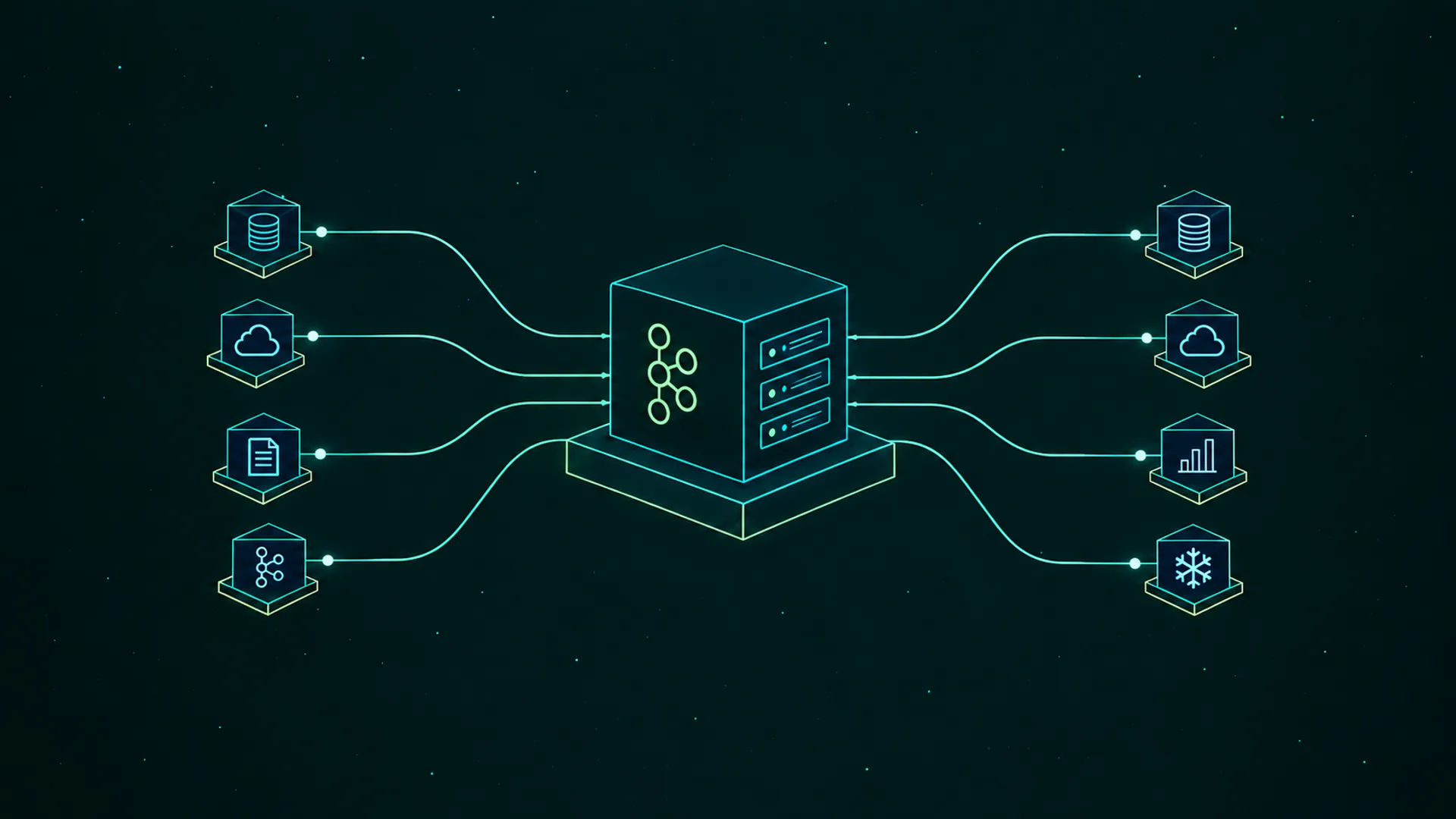
"What are my options for a Kafka Connect management UI?"
Most answers to this question are a feature checklist: which tool lists connectors, which one has a config form, which one shows task status. Those are close to a tie, because every tool on the list calls the same Kafka Connect REST API underneath.
The differences show up after a task fails: whether anyone hears about it, whether it gets restarted, and who's allowed to restart it. Here's how the options compare on that part of the job:
| Tool | Deploy and edit | Restart failed tasks | Auto-restart | Alert on failed tasks | Who can do what |
|---|---|---|---|---|---|
Connect REST API + curl (Apache 2.0) | JSON by hand, validate endpoint | Yes, one call | No | No | Unsecured by default, no per-connector rights |
Strimzi KafkaConnector (Apache 2.0) | YAML in Git | Annotation on the resource | Yes, with backoff | Via Prometheus | Kubernetes RBAC on the resource |
| AKHQ (Apache 2.0) | UI form | Yes | No | No | Group roles in YAML |
| Kafbat UI (Apache 2.0) | UI form | Yes | No | No | YAML roles, connectors scoped by regex |
| Redpanda Console (BSL) | Community-supported | Yes, per task | No | No | Viewer and editor roles, Enterprise license |
| Confluent Control Center (Confluent license) | UI form | Yes, failed tasks only | No | Alertmanager, with your own rule | Confluent RBAC, Confluent clusters only |
| Lenses (commercial) | UI form | Yes | Yes, via the connector alert rule | Slack, PagerDuty, Alertmanager, webhooks | IAM policies down to one connector |
| Kpow (commercial, free tier) | UI form | Yes, per task | Yes, for an allowlist of connectors | Via Prometheus | Connect actions per role (Enterprise), global on/off switches (Community) |
| Conduktor Console (commercial, free tier) | Form built from validate, JSON view, templates | Per task, or in bulk | Yes, with history (paid plans) | Slack, Teams, email, webhook (paid plans) | Per connector: deploy, edit, restart, pause, delete |
- Strimzi isn't a UI, but plenty of teams on Kubernetes deploy connectors as
KafkaConnectorresources from Git and never use a UI to create one. It pairs well with any of the UIs in the table for the investigation side. - Redpanda Console runs against Apache Kafka too, but Redpanda's supported integration path is Redpanda Connect, and Kafka Connect support is left to the community.
- Control Center's newer generation sends alerts through Prometheus Alertmanager rather than its own triggers. Neither generation ships a trigger for a failed connector, so that rule is yours to write.
- Lenses and Kpow both restart failed tasks on their own. Lenses turns it on per connector in its alert rule, with a retry limit and a grace period. Kpow takes a list of connector names and checks them every minute.
Every Connect UI calls the same REST API
Kafka Connect runs connectors on a cluster of workers, and each connector splits its work into tasks. Take an orders-s3-sink connector with tasks.max set to three: each task copies a share of the topic's partitions to S3. You manage all of it through a REST API that any worker answers.
That API is the common ground. curl, the Strimzi operator and every UI in the table deploy, pause and restart connectors through it, so none of them can do something the API doesn't allow. What they add sits around it: a form that runs the API's config validation before you submit, history, alerts and permissions.
The status the API returns has two levels, and they don't have to agree. A connector can report RUNNING while one of its tasks reports FAILED, so a view that only shows connector state stays green while a third of the partitions stop moving.
A RUNNING connector can still have a failed task
🚫 "The connector says RUNNING, so the pipeline is fine."
Tasks fail for ordinary reasons: the database behind a sink restarts, a network path drops for a few minutes, or a record doesn't fit the target. When that happens the task shuts down, and it stays down until somebody starts it again. Routine maintenance is the cause we hear about most:
"A connector can go down, you know, for many reasons... when we patch a server, the server has to be restarted." — Kafka platform owner, automotive data provider
Task state isn't the whole story either. Platform teams also describe tasks that report RUNNING while no records move:
"The task is shown as running and the connector is also in a healthy state. But somehow a message flow is not happening." — Platform engineer, automotive manufacturer
For a sink connector, consumer lag catches that case, because its tasks read through an ordinary consumer group. Watch that group's lag next to task state, and a stalled sink shows up even when every status is green.
What happens after a task fails?
Restarting has its own trap. A plain restart call on the connector restarts the connector instance, not its tasks. Since Kafka 3.0 the same call accepts includeTasks=true&onlyFailed=true, which restarts only the failed tasks in one request. Check which of the two a UI's restart button sends before you rely on it.
After that, the tools split on who notices and who acts:
- The REST API alone. A failed task is visible to whoever asks for its status. Connect workers publish task counts as JMX metrics, so a Prometheus stack can alert, and then someone restarts the task by hand.
- Strimzi. A
KafkaConnectorresource can enableautoRestart, and the operator restarts a failed connector and its tasks with a growing delay between attempts. - AKHQ, Kafbat UI, Redpanda Console and Control Center. They show failed tasks and restart them, but only while someone is looking. None of the four alerts on a failed task without a rule you write yourself.
- Lenses and Kpow. Both restart failed tasks without a human, and both alert: Lenses through Slack, PagerDuty and webhooks, Kpow through Prometheus.
In Conduktor Console, auto-restart is a toggle on each connector. Every minute, Console looks for failed tasks, captures each error message and restarts the task, then waits a configurable delay (ten minutes by default) before retrying it. The history keeps every captured error, so a connector that fails the same way each time shows up as a pattern. Failed tasks also get a graph and an alert to Slack, Teams, email or a webhook.
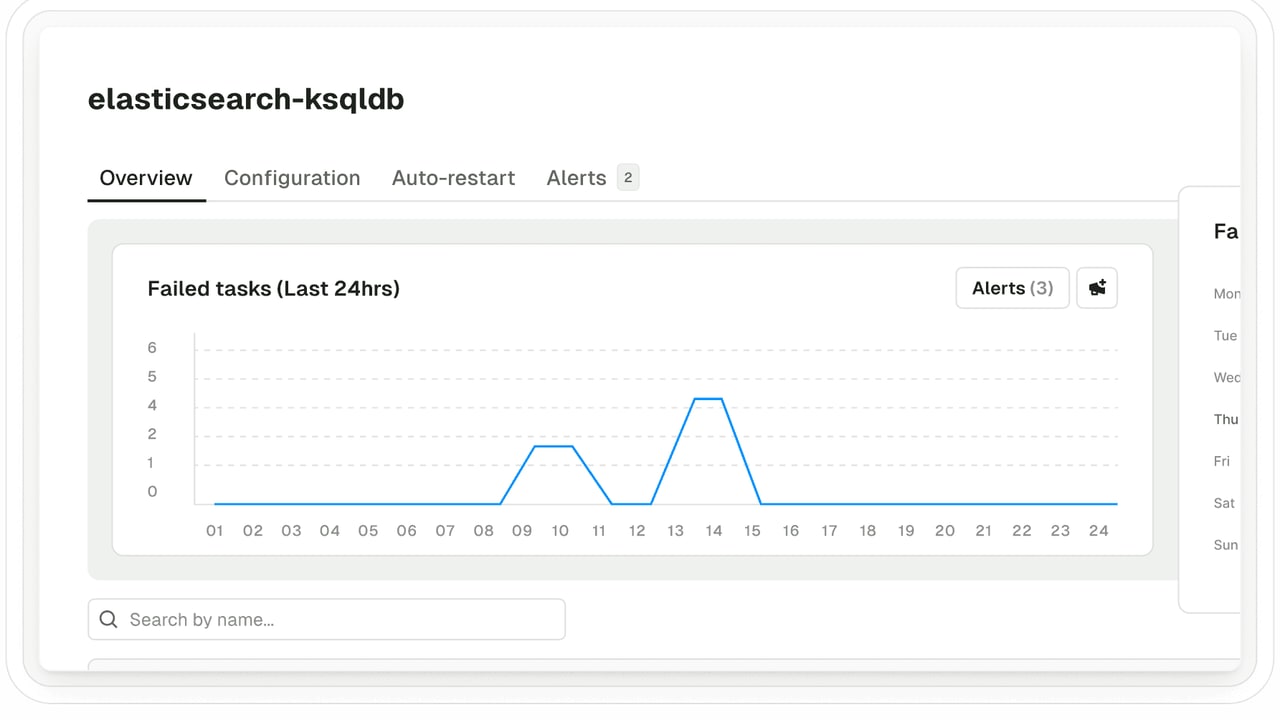
Auto-restart fixes transient failures, and only those. A task that fails on a bad record or a wrong password fails again after every restart. The fix there is a config change, the upstream data, or a dead letter queue that sets bad records aside so the task keeps running.
Who's allowed to restart a production connector?
Connect's REST API is "unsecured" out of the box, in the Apache docs' own words. You can add a REST extension such as basic auth, but that decides who gets in, not what they can touch. Anyone who reaches the API can pause, reconfigure or delete any connector on the cluster, which is why most teams keep it private and route changes through a platform team or a UI. The alternative is what one platform engineer described from before they changed it:
"Devs would just run curl commands... total freedom, you know, not really an audit trail." — Platform engineer, property tech company
Routing everything through the platform team works while one team owns every connector. Once application teams deploy their own, these are the questions to ask of any tool:
- Can permissions be scoped to one connector? The payments team should be able to restart
payments-*connectors without being able to delete the CDC connector another team owns. - Is every action recorded with a person's name? When a sink pauses, you want to know who paused it, not which shared credential did.
- Can the platform team set guardrails on deploys? Allowed plugin classes, a cap on
tasks.max, and no passwords pasted into a config.
Kafka Connect itself answers none of these, so the answer depends on the tool in front of it. The "who can do what" column in the table compares them side by side.
Which tool should you pick?
Start from how connectors get deployed today, because that decides most of the rest:
- On Kubernetes with GitOps already. Deploy with Strimzi
KafkaConnectorresources and turn onautoRestart. Add a UI for reading task errors, and Prometheus alerts on failed tasks. - All in on Confluent Platform. Control Center manages connectors next to the rest of the Confluent stack, with Confluent RBAC on Confluent clusters.
- Open-source only, one team. AKHQ or Kafbat UI covers browsing, deploys and task restarts. Neither alerts, so pair it with Prometheus alerts on the worker metrics.
- Running Redpanda. Redpanda Console, with Redpanda Connect as the supported path.
- Several teams deploying their own connectors. Conduktor Console ties each connector to the team that owns it through federated ownership, lets that team restart without being able to delete, and records each action in the audit log. Resource policies can limit plugin classes or cap
tasks.max.
How do I restart a failed Kafka Connect task?
Call POST /connectors/ on any worker, or POST /connectors/ to restart every failed task at once (Kafka 3.0 and later). Every UI wraps the same calls.
Does Kafka Connect restart failed tasks automatically?
No. A failed task stays failed until someone restarts it. Strimzi's autoRestart and Conduktor Console's auto-restart both do it for you, with a delay between attempts.
Is there a free Kafka Connect UI?
AKHQ and Kafbat UI are Apache 2.0. Conduktor Community Edition includes Kafka Connect management for free; auto-restart and alerting need a paid plan.
Related: Kafka Connect Resilience Demo → · Best Tools for Monitoring Kafka Consumer Lag → · Kafka UI Tools Compared →