
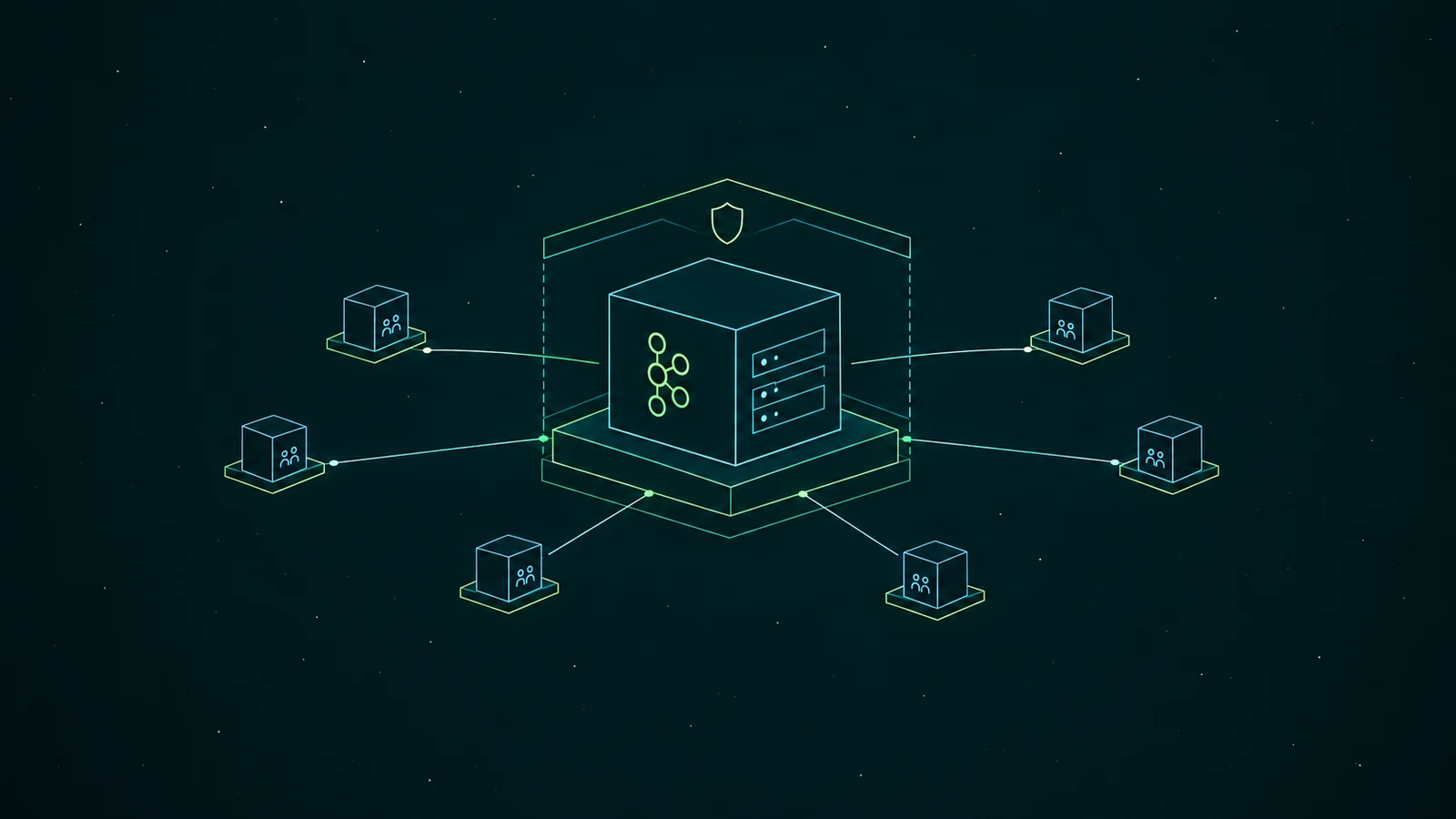
An enterprise Kafka platform needs tools for six jobs: running the brokers, moving data in and out, enforcing schemas, processing streams, keeping the cluster healthy, and sharing it safely across teams. Here they are at a glance, with the tools teams most often pick for each:
| Layer | The job | Common tools | Skip it and... |
|---|---|---|---|
| Run the brokers | Provision, upgrade and scale clusters | Confluent, Amazon MSK, Aiven, Strimzi | Your team patches brokers by hand |
| Move data in and out | Connect databases, SaaS tools and storage | Kafka Connect, Debezium, MirrorMaker 2 | Every team writes its own integration code |
| Agree on the data | Enforce schemas and compatibility | Confluent Schema Registry, Apicurio, Karapace, AWS Glue Schema Registry | One producer change breaks consumers downstream |
| Process streams | Join, aggregate and enrich in flight | Apache Flink, Kafka Streams | Each consumer reimplements the same logic |
| Keep it healthy | Metrics, lag, alerts, rebalancing | Prometheus + Grafana, Datadog, Cruise Control, Burrow | You hear about problems from the teams using it |
| Share it across teams | Access, ownership, self-service, audit, data protection | Conduktor, Kpow, AKHQ, Kafbat UI, Confluent RBAC, Terraform | Every request becomes a ticket for the platform team |
Infrastructure tools make Kafka work
The infrastructure is well served, with mature open-source options for every job. The choices mostly follow from where you run Kafka:
- Run the brokers. Confluent and Amazon MSK take broker operations off your hands. Strimzi, a CNCF incubating project, is the common way to run Kafka yourself on Kubernetes.
- Move data in and out. Kafka Connect is the integration runtime, Debezium the usual choice for change data capture, and MirrorMaker 2 replicates between clusters.
- Agree on the data. A schema registry rejects a schema change that would break consumers. Confluent's is the most widely used, and Apicurio and Karapace are Apache 2.0 alternatives.
- Process streams. Flink runs as its own cluster for large state and event-time windows, while Kafka Streams is a library inside your application.
- Keep it healthy. Prometheus and Grafana with the JMX exporter, or Datadog, plus Cruise Control for rebalancing. We compared consumer lag tools separately.
For a platform team serving a handful of other teams, these tools are most of what it needs.
A few engineers serve dozens of teams
In the conversations we have with platform teams, the Kafka team is usually two to four people. The number of application teams they serve runs from about a dozen to sixty.
Those teams mostly ask for the same few things:
- A topic that follows the rules. Partitions, retention and naming set by platform standards, without a ticket.
- Access to another team's data. A way to ask the owning team, and a record of who approved it.
- A look at their own messages. Browsing a topic or checking lag without borrowing an admin credential.
- Sensitive fields kept out of view. Email addresses and card numbers masked for anyone who doesn't need them.
- An AI assistant that sees what they see. The assistant needs the same permissions as the person asking it.
Without tooling for this, each request becomes a ticket that someone on the platform team reviews and applies by hand, and even giving new team members access can drag on:
"We already started that process more than a week ago, and I'm still not sure if they have access to everything they need." — Software developer, logistics company
Each tool has its own permission model
Each of those infrastructure tools also has its own idea of who can do what, because each project solved access for itself. Several of them are open until someone configures them:
| Component | Where access is defined | Out of the box |
|---|---|---|
| Kafka brokers | ACLs on principals, such as User:orders-app | No authorizer is set, so requests aren't checked |
| Kafka Connect REST API | A REST extension, such as basic auth | "Unsecured", in the Apache docs' own words |
| Confluent Schema Registry | Security plugin ACLs or RBAC | Any user can create, alter and delete subjects |
| AKHQ | YAML roles mapped to LDAP or OIDC groups | Security disabled, anonymous users have full access |
"There's no one-to-one relationship between the Confluent groups and the AKHQ RBACs. We kind of figured out our own way of what's the equivalent between the two." — Engineering manager, industrial distributor
Their way was a Spring application that translates between them. And when someone asks who could read the payments topic and who approved it, the answer is spread across each system's configuration and whichever ticket granted the access.
A Kafka UI can't protect what applications read
The usual answer for sharing Kafka is a Kafka UI, and for plenty of teams that's the right call. AKHQ and Kafbat UI are free under Apache 2.0, with roles mapped to SSO groups. Kpow goes further on operations, with RBAC, audit and masking in its enterprise edition. If a platform team mainly needs to browse topics and reset offsets, one of these may be all it needs.
🚫 "Everyone uses the UI with SSO, so access to Kafka is governed."
A UI's roles govern what people do inside the UI. The applications those people deploy don't go through it: they connect to the brokers with their own credentials, and only the broker's ACLs stand between them and the data. Masking has the same limit. Kafbat's docs describe it as masking "sensitive data shown in Messages page", and a consumer reading the same topic still gets the original record.
Kafka engineers spot this quickly:
"But that's just masking it in the UI. It's not doing anything. It's not using field-level encryption or anything like that." — Kafka platform engineer, consumer lender
Where the policy sits decides who it applies to:
So sharing Kafka across teams has two halves. A control plane decides who can do what: who owns a topic, who can read it, and which rules a new topic has to follow. A data plane enforces those decisions on the traffic itself, between every client and the broker, which takes a Kafka-protocol proxy such as Kroxylicious or client-side encryption such as Confluent's CSFLE.
Conduktor is built as both, on top of the Kafka you already run, whether that's Confluent, MSK, Aiven or self-managed. Console is the control plane and Gateway is the data plane:
- Teams get what they need without a ticket. In Console, each application owns its topics, and other teams ask that owner for access instead of the platform team. The platform's rules are checked as the request is made, so the platform team sets policy once instead of reviewing every change.
- The platform team can still answer who did what. Roles and an audit trail span every cluster.
- Every developer gets Kafka expertise on hand. Through our MCP server, an AI assistant reasons over your live clusters, schemas, consumer groups and ownership. A developer can ask why their consumer is lagging, or which consumers depend on a topic before its schema changes, and get an answer about their own Kafka instead of waiting for the platform team. The assistant only sees what the person asking can see.
- Sensitive data stays protected wherever it's read. Gateway sits between clients and brokers and masks or encrypts fields for every application and agent that connects, not only for people in a UI.
Console's own masking applies only to what Console shows, like any UI's, so masking for applications is Gateway's job.
Which stack should you pick?
Start from where you run Kafka, because that decides most of the infrastructure:
- All in on Confluent Cloud. Brokers, managed connectors, Schema Registry, Flink and monitoring come from one vendor, and RBAC and Stream Governance cover much of the sharing inside Confluent. If you also run Kafka elsewhere, you'll want access and ownership to span both.
- On AWS with MSK. MSK, MSK Connect, Glue Schema Registry and CloudWatch cover the infrastructure. IAM handles access per principal, so team ownership and self-service still need something on top.
- Self-managed on Kubernetes. Strimzi manages brokers, topics and users as Kubernetes resources, with Cruise Control built in. Access changes then go through pull requests, which works while the platform team can keep up with the reviews.
- A few teams, open source only. AKHQ or Kafbat for people, broker ACLs managed with the Kafka Terraform provider, and a schema registry with its ACLs turned on.
- Dozens of teams, several clusters. This is where a control plane and a data plane matter most: teams stop waiting on tickets, and the platform team keeps control of who can reach which data. Conduktor Console and Gateway do both on top of the clusters you already run. The free Community edition covers up to three clusters and 50 users, and Team Edition, which you can buy online, adds federated ownership with approval workflows, audit logs, group RBAC and masking across unlimited clusters.
Enterprise Kafka doesn't always mean a bigger cluster, but it usually means more teams around it, and now their AI assistants too. Most tool lists get the infrastructure right and leave out what those teams depend on.
A control plane decides who owns each topic, who can read it, and how a new team gets started without waiting on a ticket. A data plane makes those decisions hold for every application that reads the data, not only for the people looking at it in a UI. Plan both as deliberately as you plan the brokers.
Related: Kafka Schema Registry: Open by Default → · Kafbat vs AKHQ vs Conduktor → · Governed Kafka Self-Service →