
Conduktor Agents
Your Kafka clusters never sleep. Neither should your agents.Conduktor agents help every team keep their clusters secure, reliable, well-governed, and cost-efficient. They investigate issues across your environment and bring you the fix.
You decide what each agent can do
From reports to automatic fixes.
Every agent starts by reporting. Move it up when you trust it, and every action stays within the agent's permissions.
The agent finds the problem.It tells you what it found and what to check. You take it from there.
The agent proposes the fix.Step by step, with the evidence. You decide whether to apply it.
Nothing changes until you approve.One click, and the agent carries out the steps.
The agent applies the fix.Approved in advance for tasks you trust. Every step is on the record.
What agents do for you
The checks that feel like chores, on a schedule. Pick your seat.
Set up an agent in four steps
Bring your own model, on your own account: Claude through Anthropic or Amazon Bedrock, OpenAI, or any OpenAI-compatible endpoint.
AI agents need more than a Kafka service account
Kafka decides what an agent can reach. Here's what that leaves out.
"order_id": "o-81723","amount": 129.90,"email": "********","card": "********""order_id": "o-81723","amount": 129.90,"email": "********","card": "********"- Restart task 2 of orders-sink
- Confirm the task is RUNNING
Task restarted.
claude mcp add --transport http conduktor \
  https://console.acme.io/api/mcp \
--header "Authorization: Bearer $CONDUKTOR_TOKEN"Trusted by





AI gets Kafka right with Console
We asked the same AI the same questions about a large Kafka cluster, with and without Console.
From Conduktor's agent benchmarks, September 2026.
What does an agent actually do?
It runs a task: one of 13 built-in tasks, such as cost reports, schema drift or connector recovery, or one you describe. See an agent set up in four steps (1:04). On each run it uses only the tools its identity allows, works from what Console already knows about your clusters, and returns a finding with its evidence and a next step.
Can an agent change my cluster?
Only as far as you let it. Reports and recommendations change nothing. An approval proposes the exact steps and waits for a person. Automation carries out steps you pre-approved, agent by agent, and every run is recorded.
What can an agent see?
What the identity you give it can see, and never more than the person or team that owns it. Permissions are checked on every call. Revoke the identity and its access ends. See agents for platform engineers (0:43), an access review in 43 seconds.
Can I use my own agent?
Yes. Create an identity in Console and give its token to any MCP client, such as Claude Code, Cursor, Codex or your own script. It talks to Console's MCP tools under that identity, with the same permissions and masking as a built-in agent.
Where does the data go?
Agents work mostly from metadata, such as topic names, configurations, lag and permissions, and read messages only for tasks that need them. That goes to the model you connected, on your own account. With a model you host yourself, nothing leaves your network. Nothing is routed through Conduktor. Findings, traces and approvals stay in your Console.
Which models does it support?
Your choice, on your own account: Claude through Anthropic, Claude and other models on Amazon Bedrock, OpenAI, or any OpenAI-compatible endpoint such as Azure OpenAI, or a model you host yourself with vLLM or Ollama. The built-in tasks were tuned on Claude first, so it gives the most consistent results.
What is Ask Conduktor?
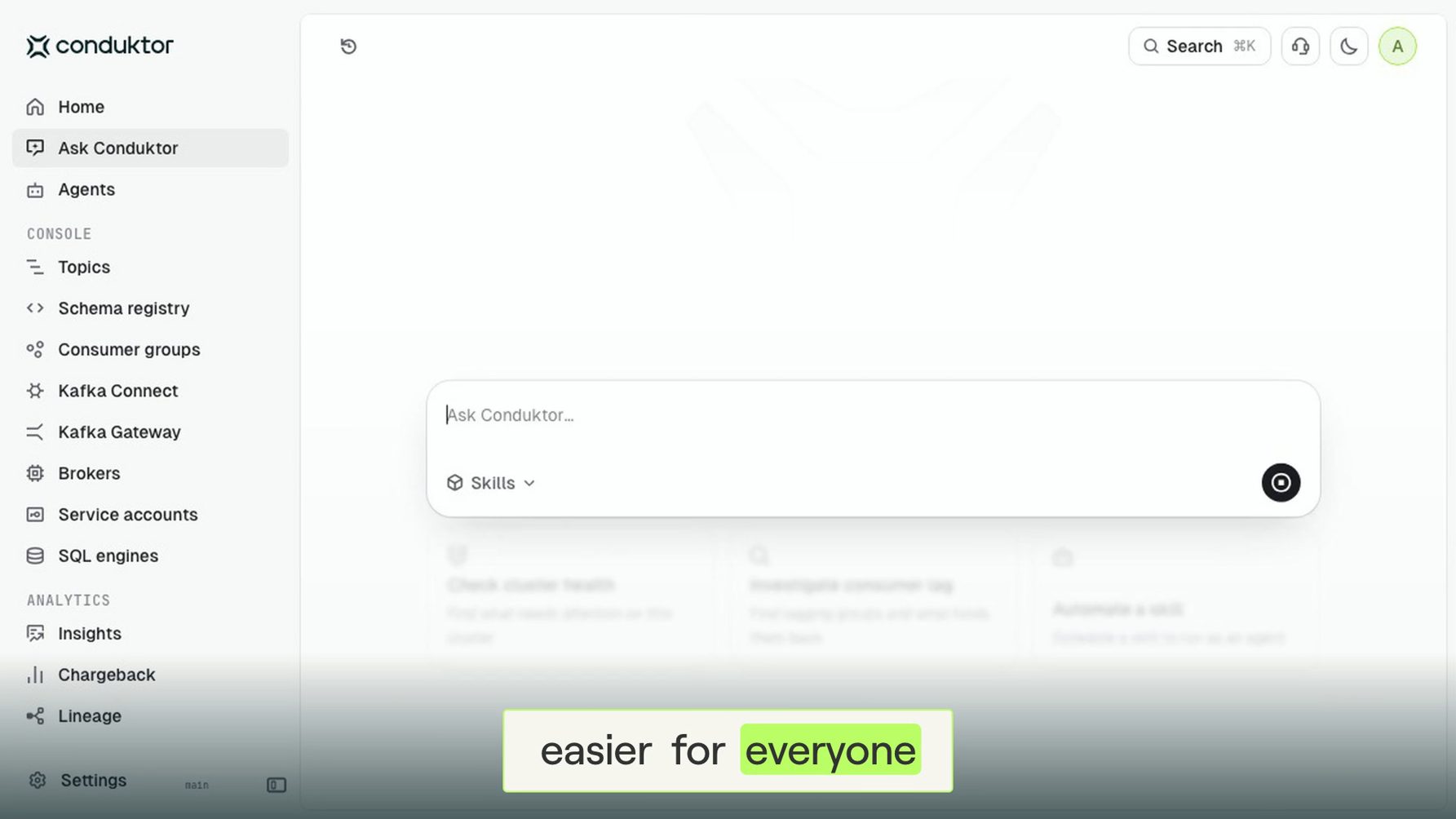
A chat in Console that ships with Agents. Ask about topics, consumer groups, schemas, cost or access from any page, with your own permissions. It can fill in forms and set up an agent from a sentence, and leaves the final click to you.
Which Kafka does it work with?
Any cluster Console connects to, whether you run it yourself or use a managed service such as Amazon MSK, Confluent Cloud or Aiven.
Is it a separate product?
No. Agents are a part of Console and use the clusters, identities and data already in it.
How do I get it?
Agents ship with Conduktor Console. Install Console, turn agents on in its configuration, connect your model, and create your first agent. Agents are free to use at launch. Or talk to us and we'll run one on your environment with you.
Build more on Kafka. Stay in control.
Agents ship with Conduktor Console. Try them free, or talk to us and we'll run one on your environment and read its first findings with you.